Keep your room.
Change everything else.
Nava Studio redesigns the room you’re in, from a single photo.
Studio in your browser is coming soon.
No account · no card · no trial to forget
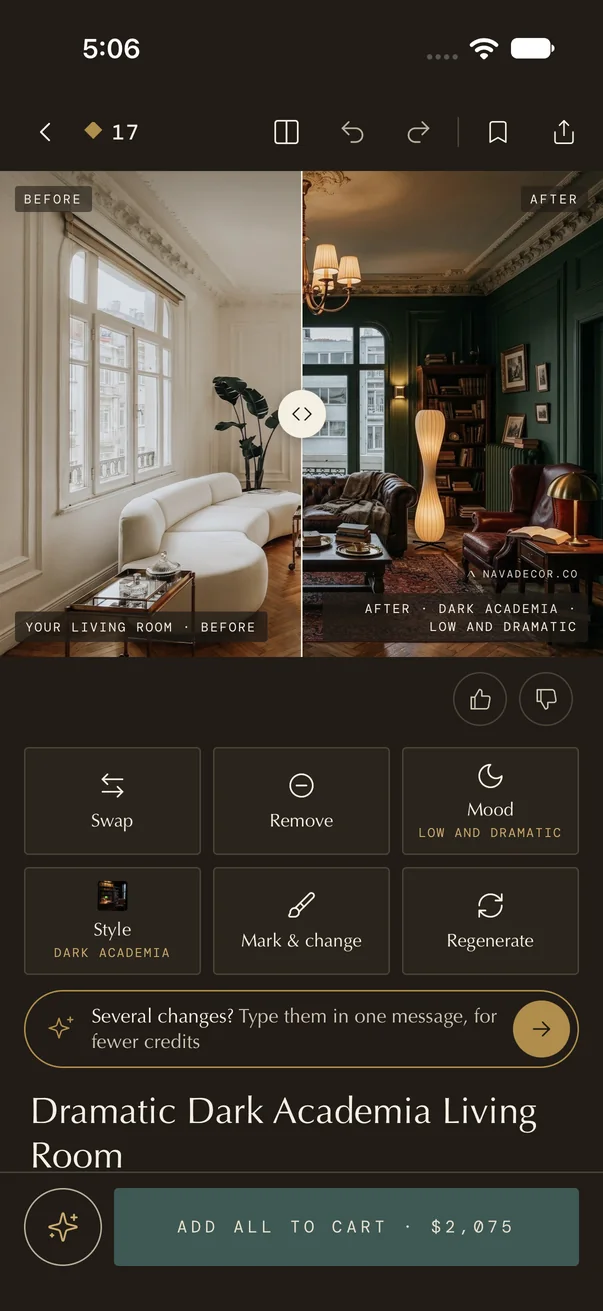
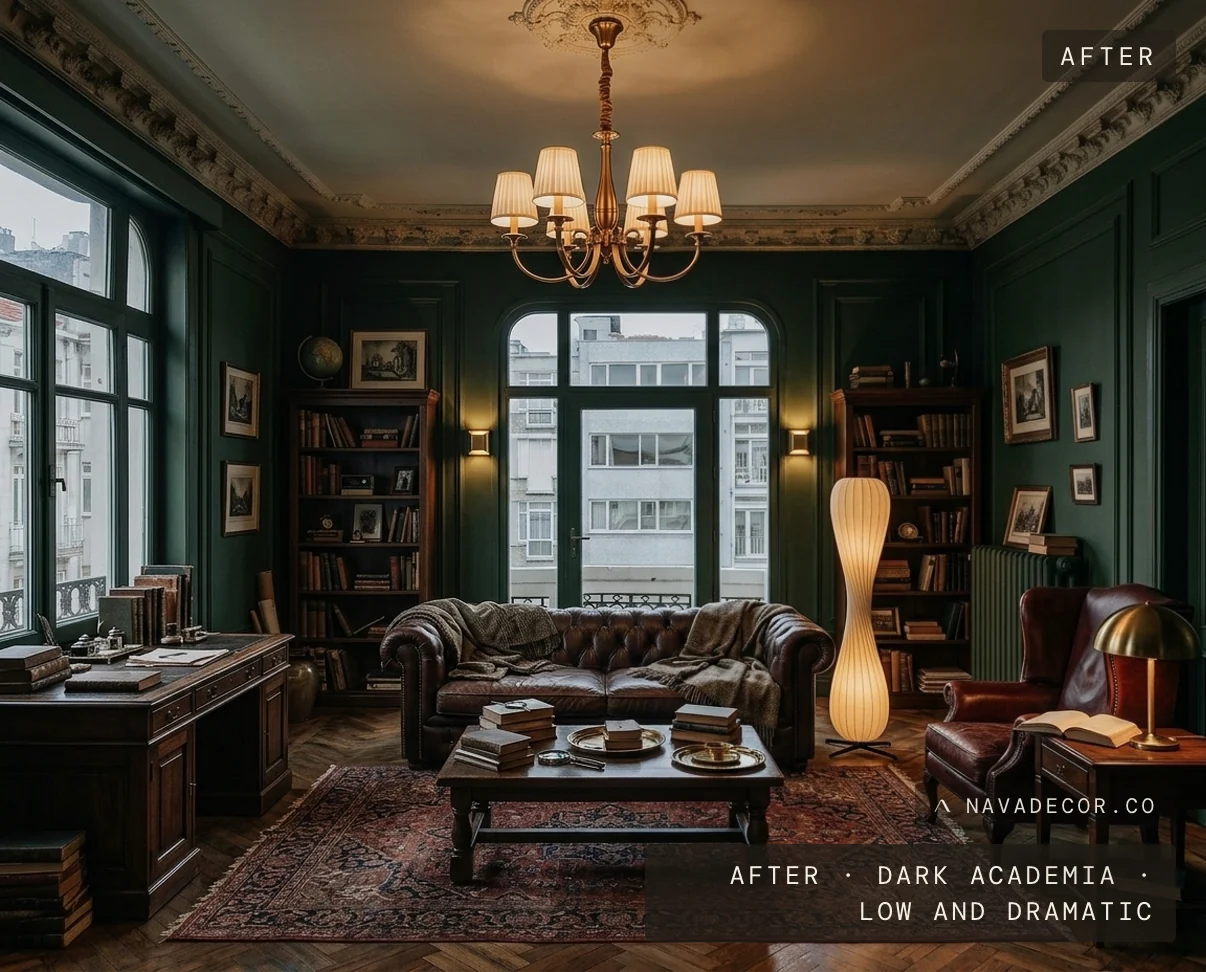
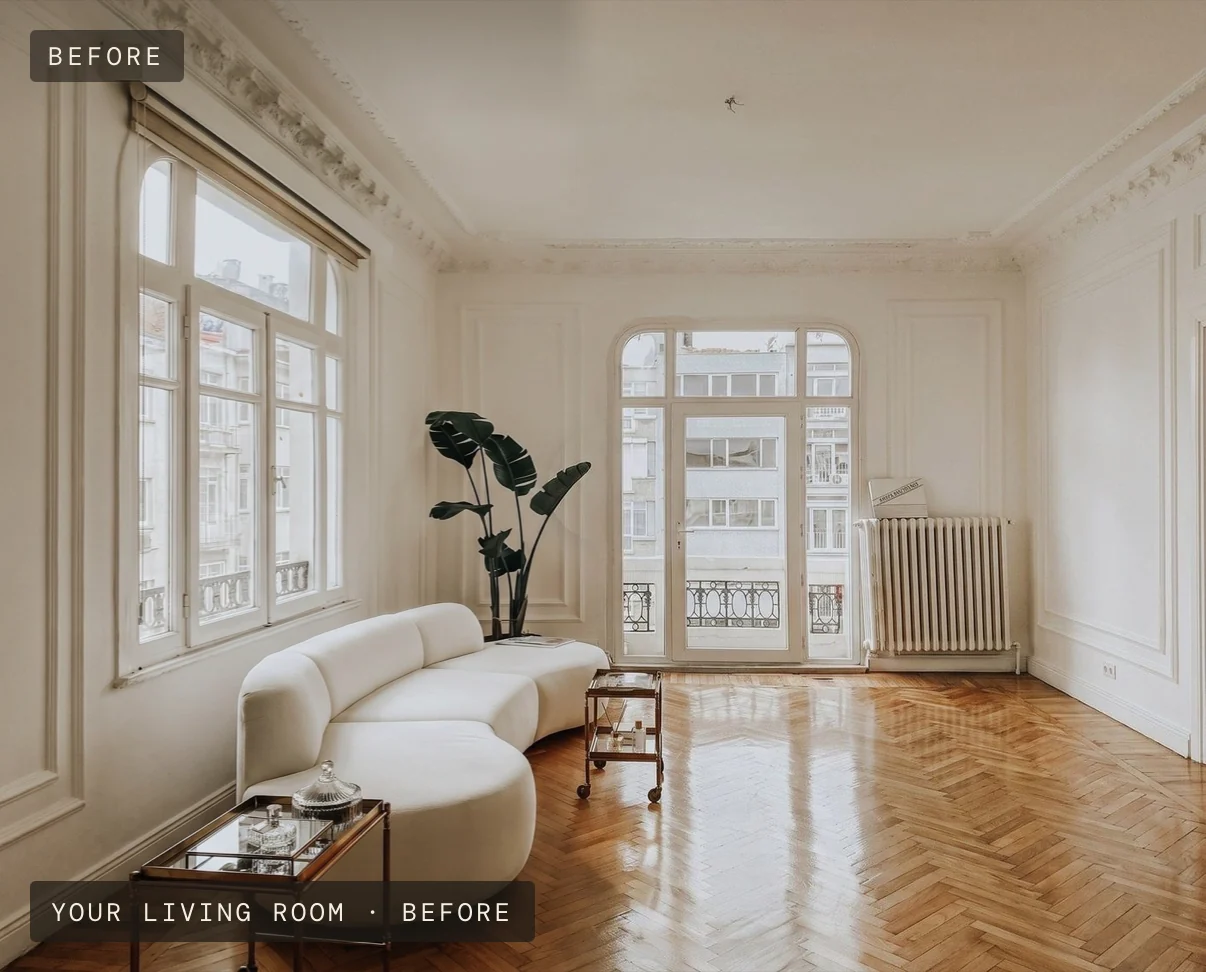
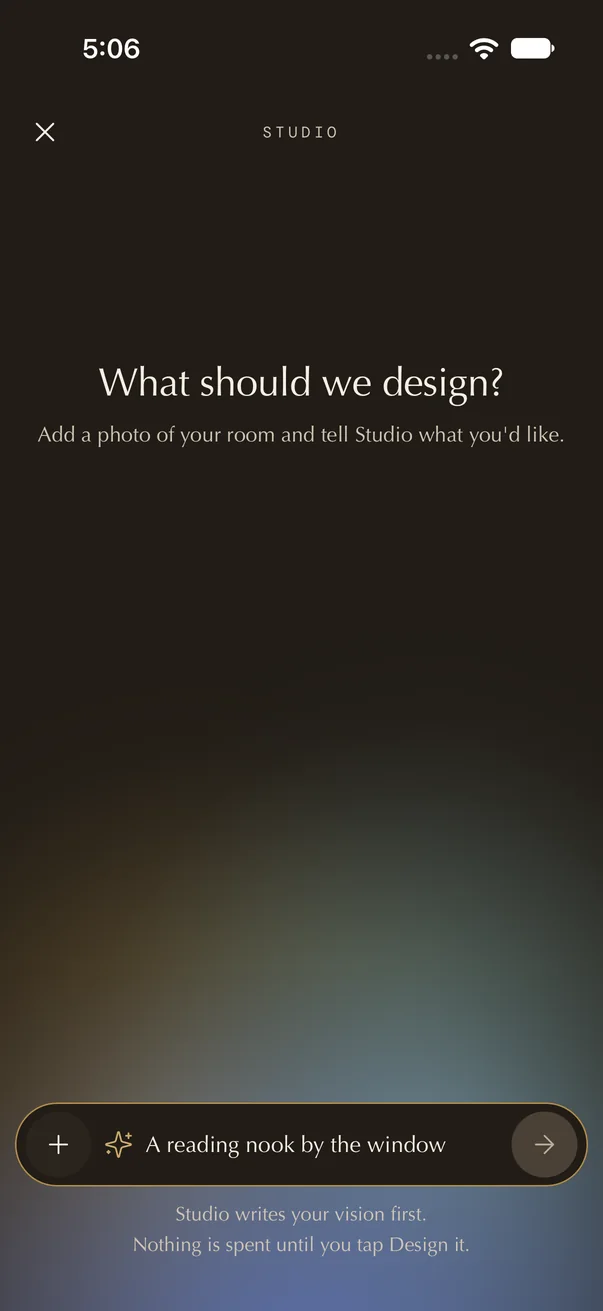
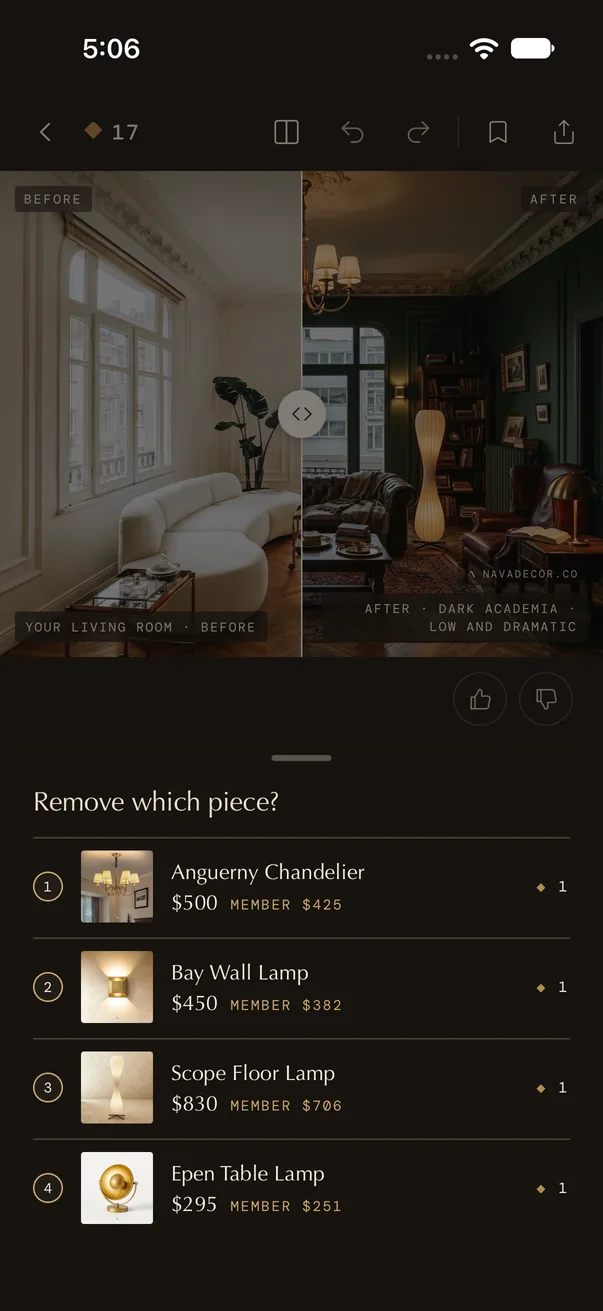
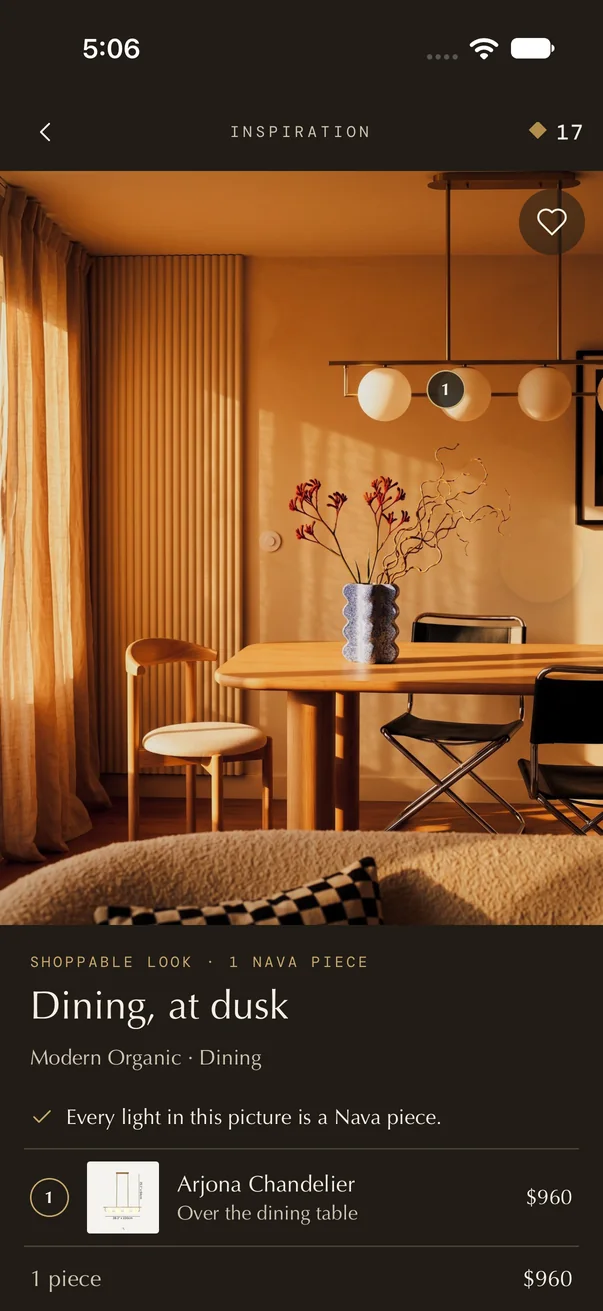
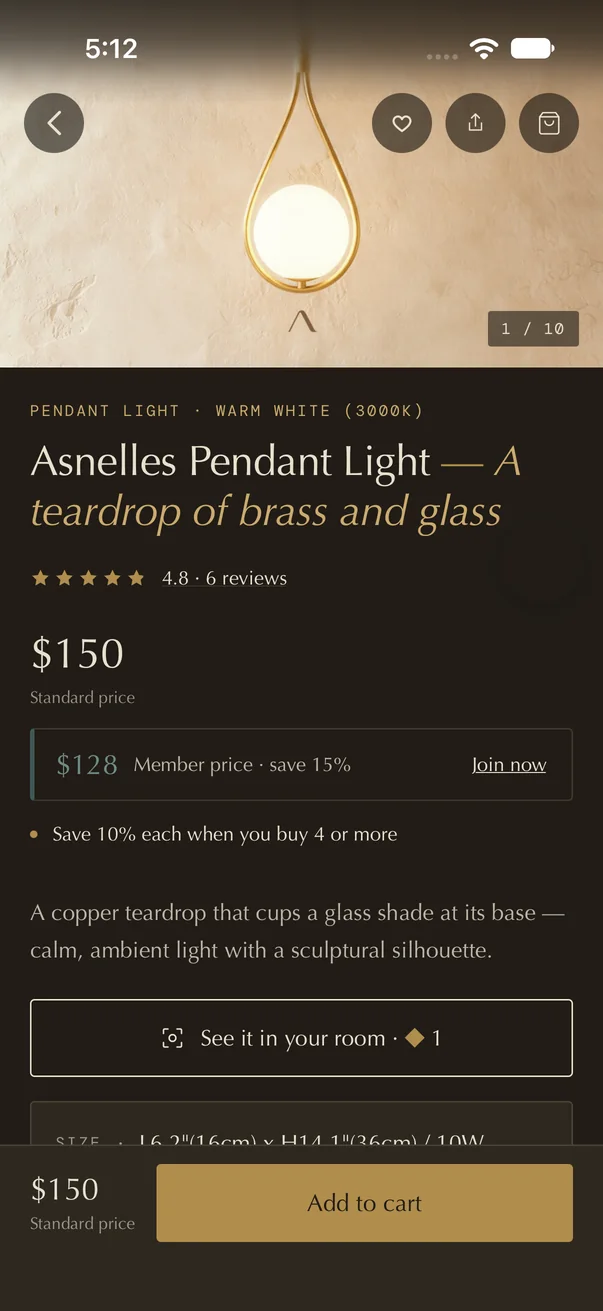
Drag the line · before and after
No account · no card · no trial to forget
Studio in your browser is coming soon.
- Describe it to Studio
Just say it.
Tell Studio what you’d like, in your own words. Not quite right? Say so. Your design keeps changing as you talk.
Dark academia, low and dramatic. Keep my windows.
- Change one thing
Not quite right? Say so.
Swap a lamp, remove a piece, change the mood. Everything else stays where it is.
- Shop the look
Lighting you can actually buy.
Studio places real Nava lights in your design, with their prices. Tap a number to meet the light, or shop the whole look.
We started with lighting. More of the room is on its way.
- Shop lighting
Meet the light.
Its price, its sizes and its reviews, with a cart button. Pendants, chandeliers, sconces and lamps.
- Explore rooms
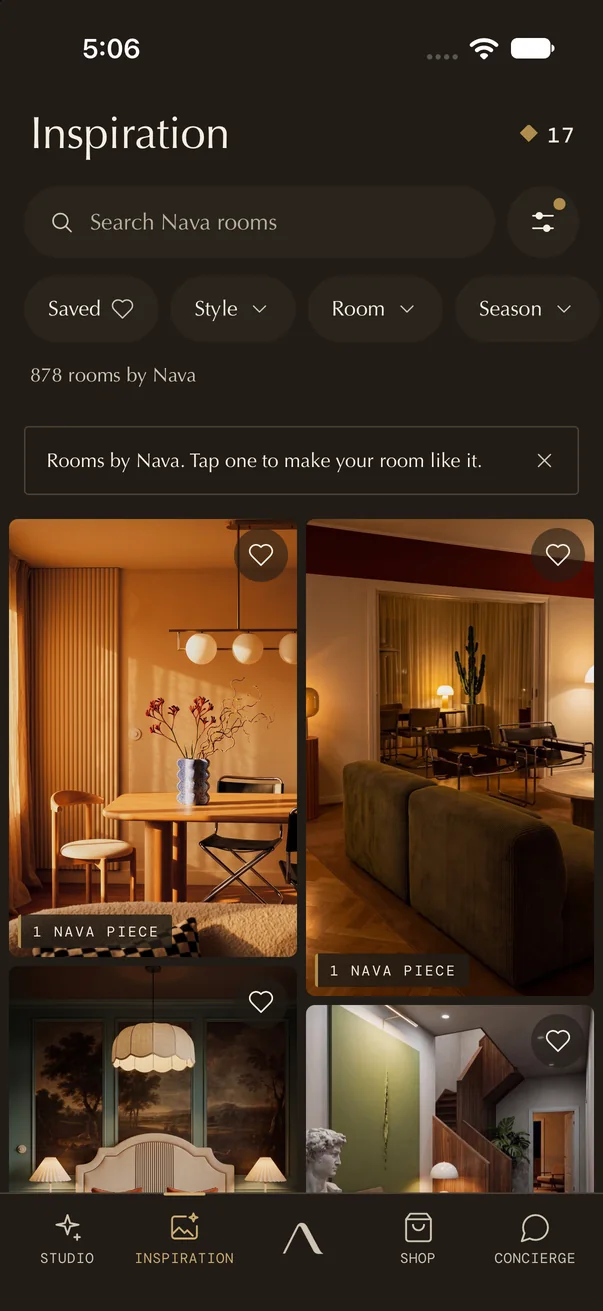
Or start from a room you love.
Hundreds of rooms designed by Nava. Shop a look, or try it on your room.
One room. Every way.
The same Paris living room, through Studio's tools. Each picture below was made in the app.
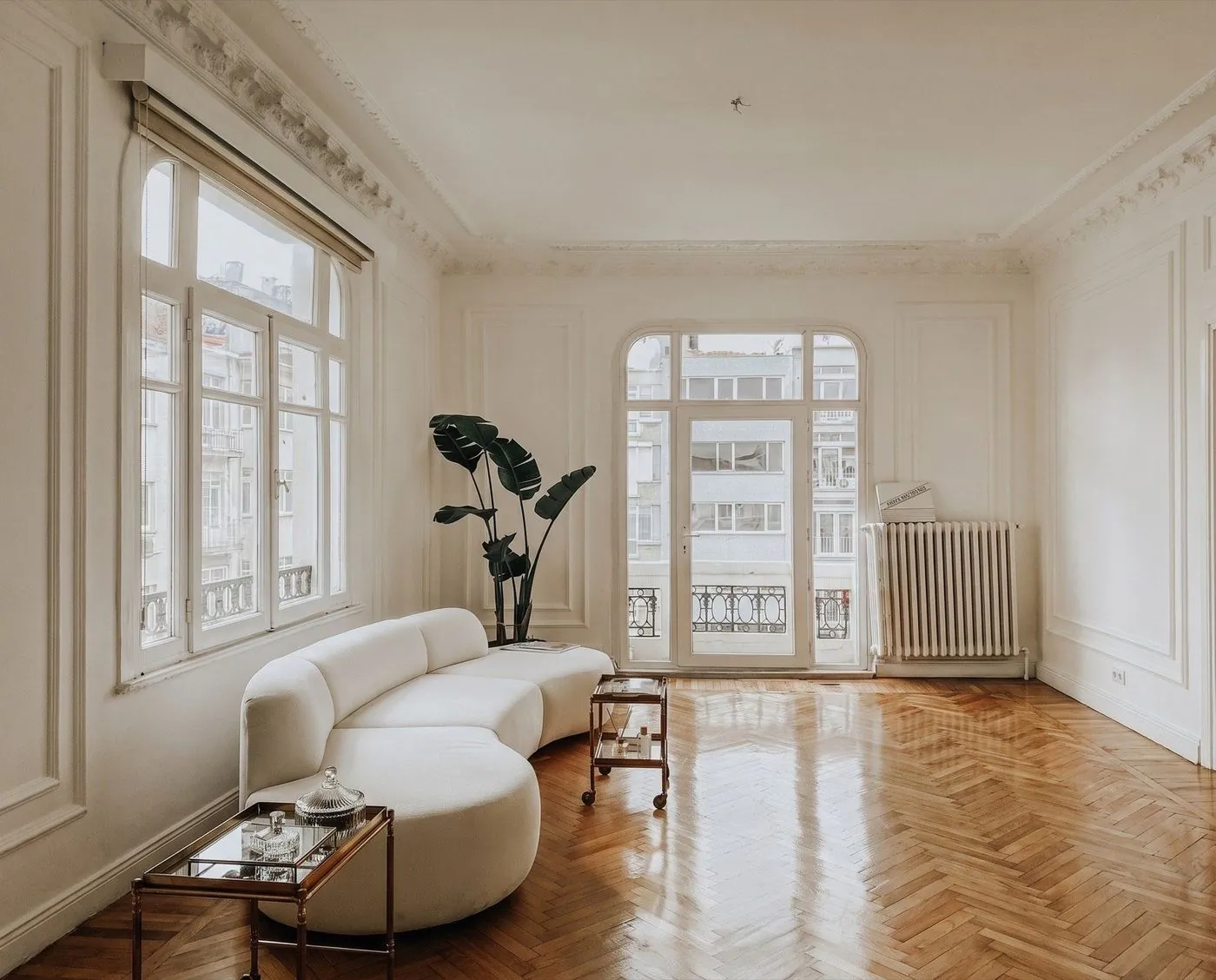
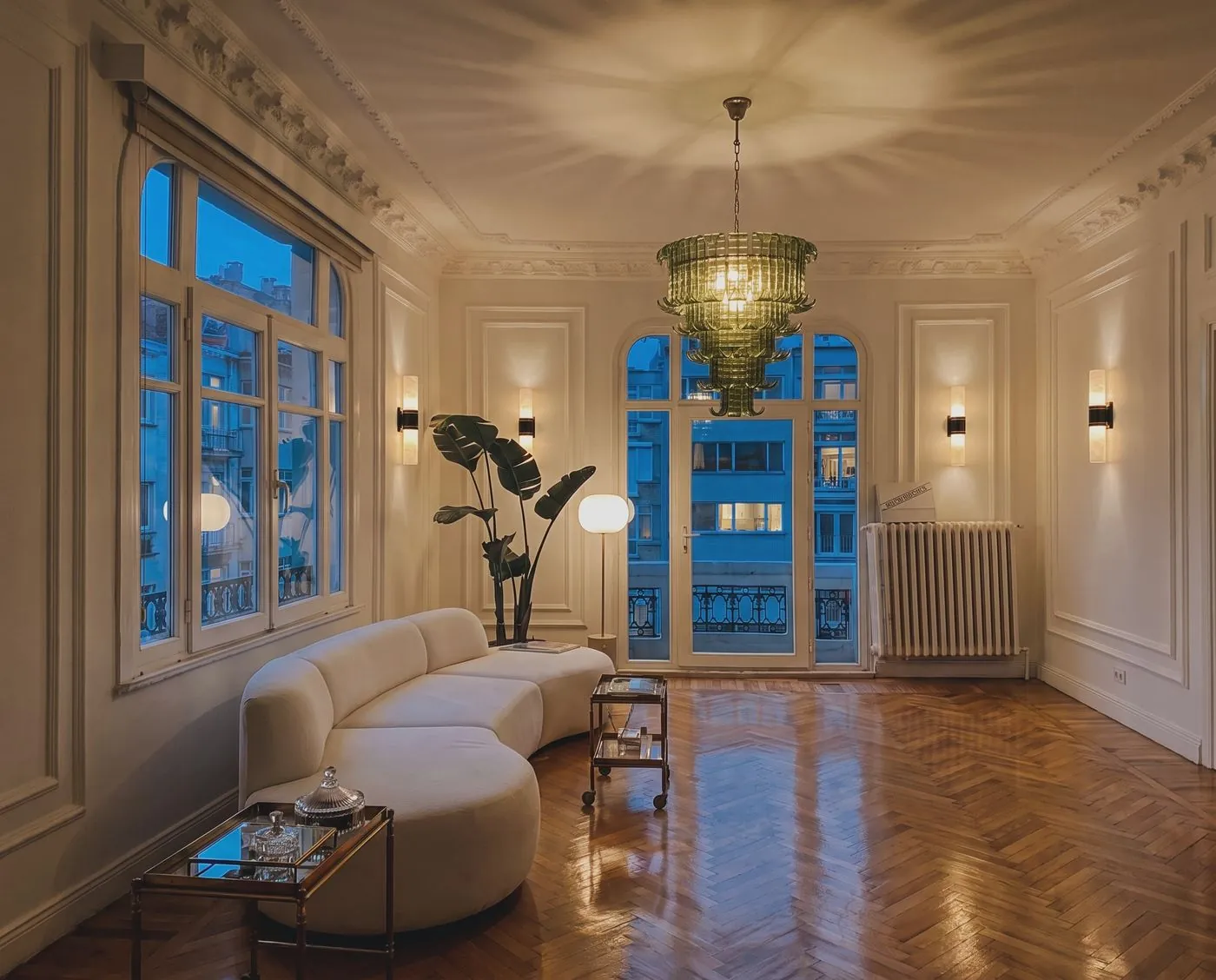
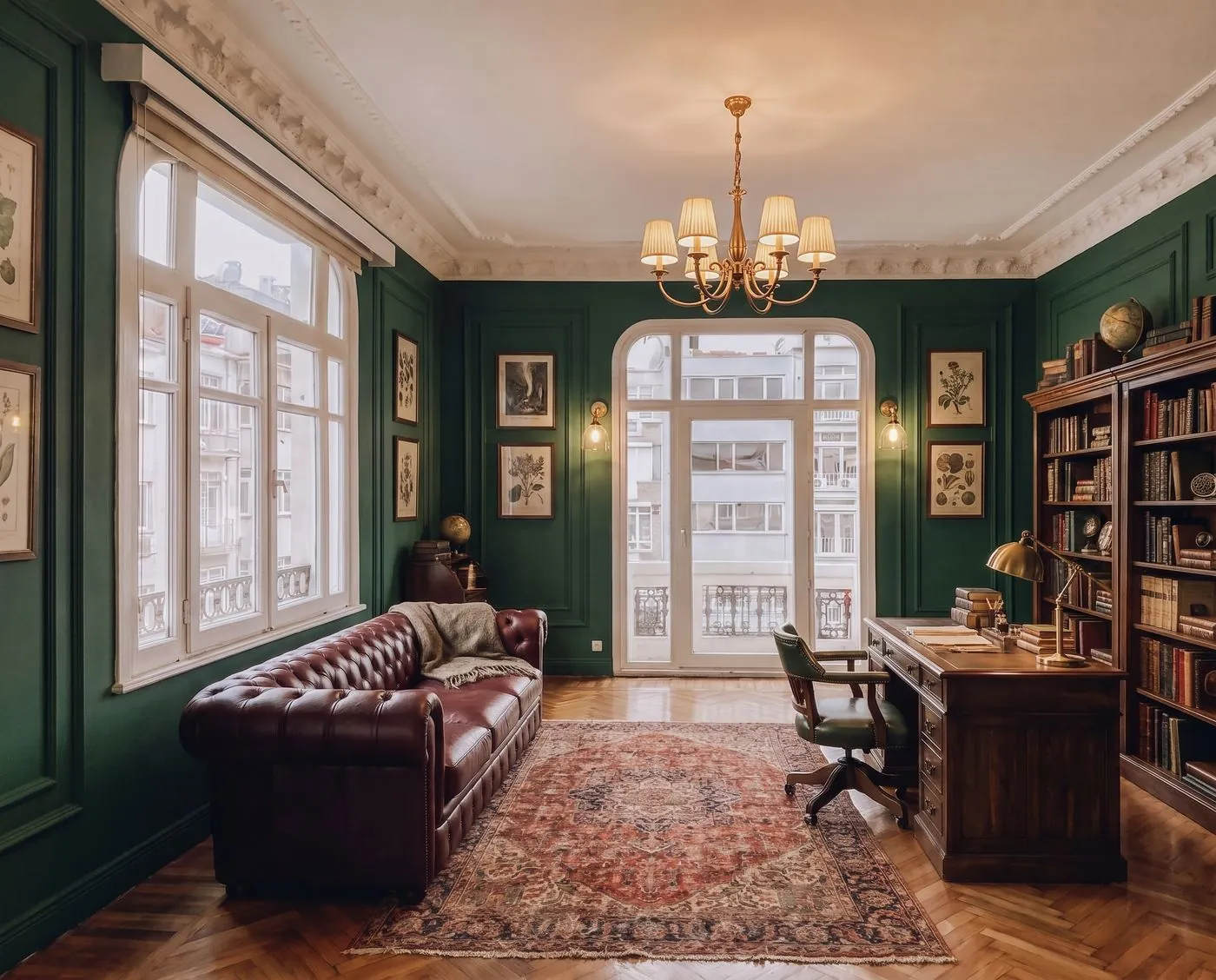
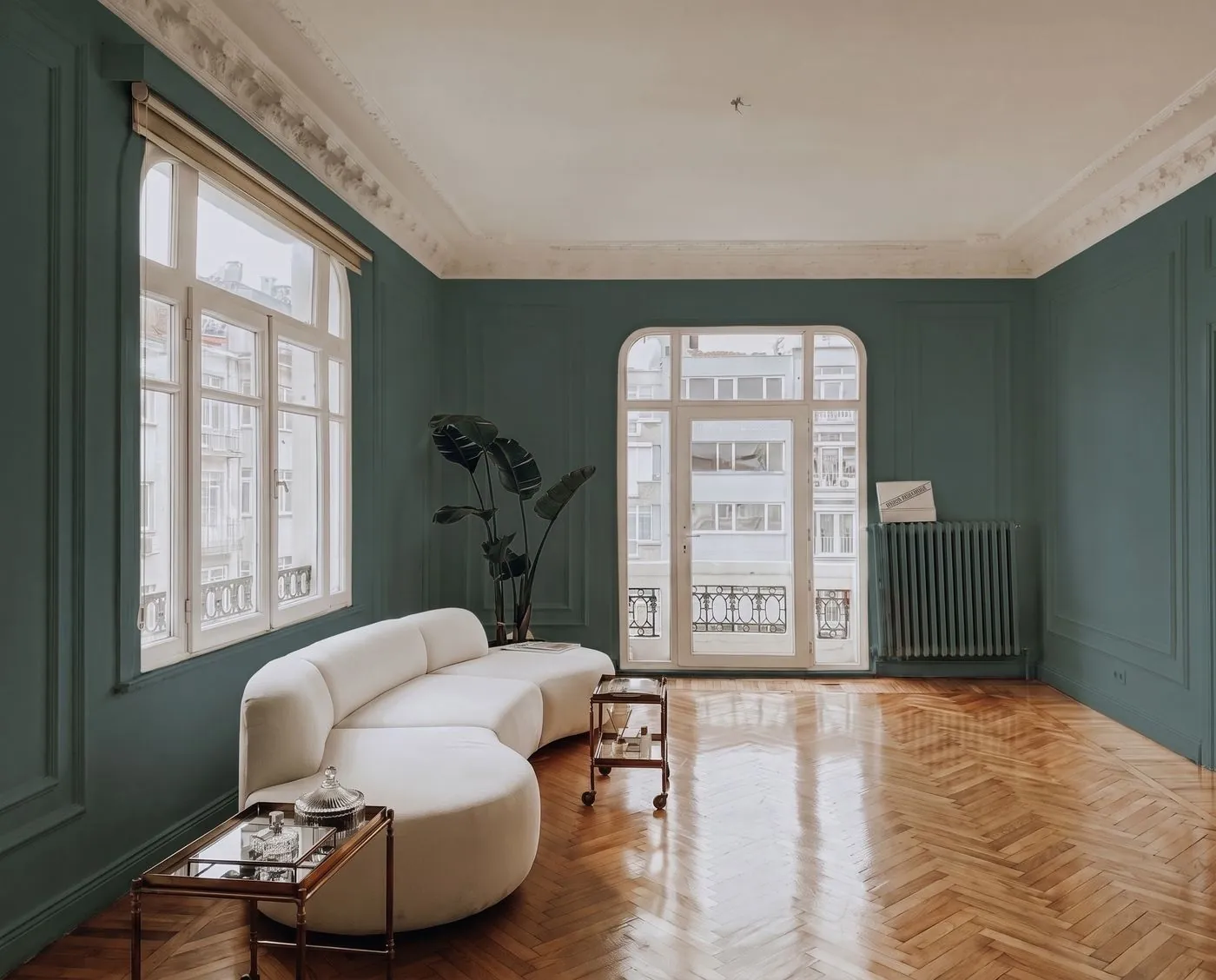
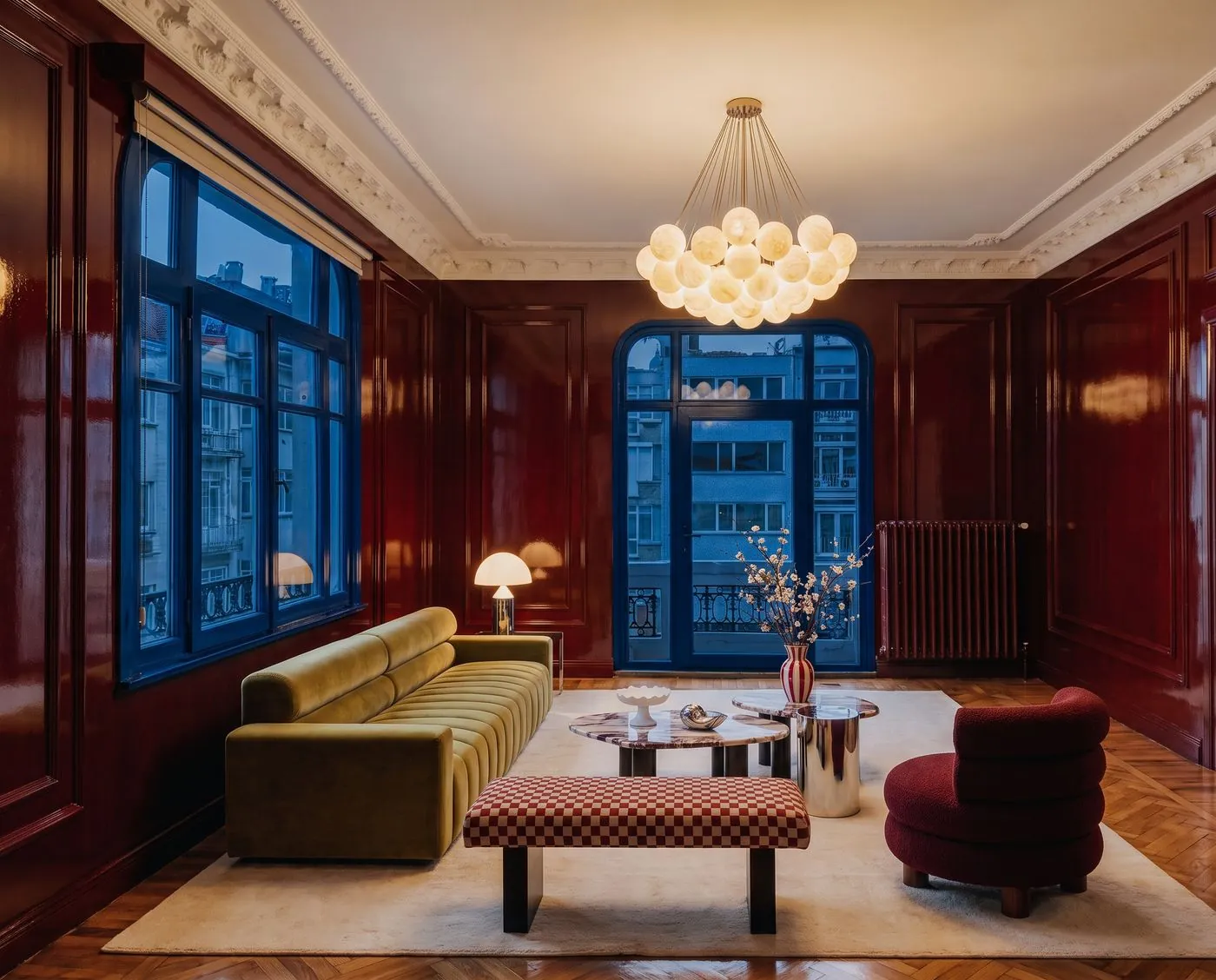
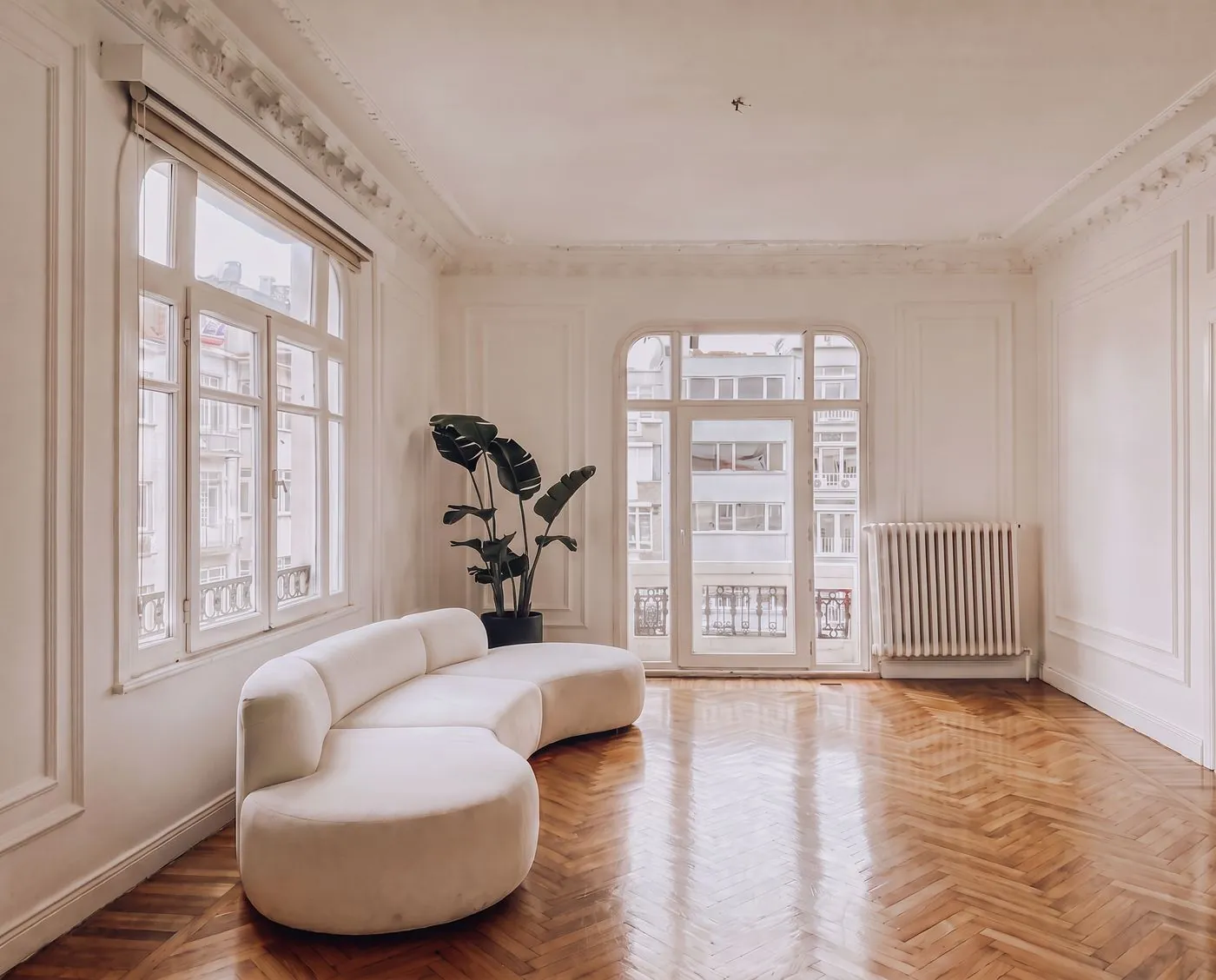
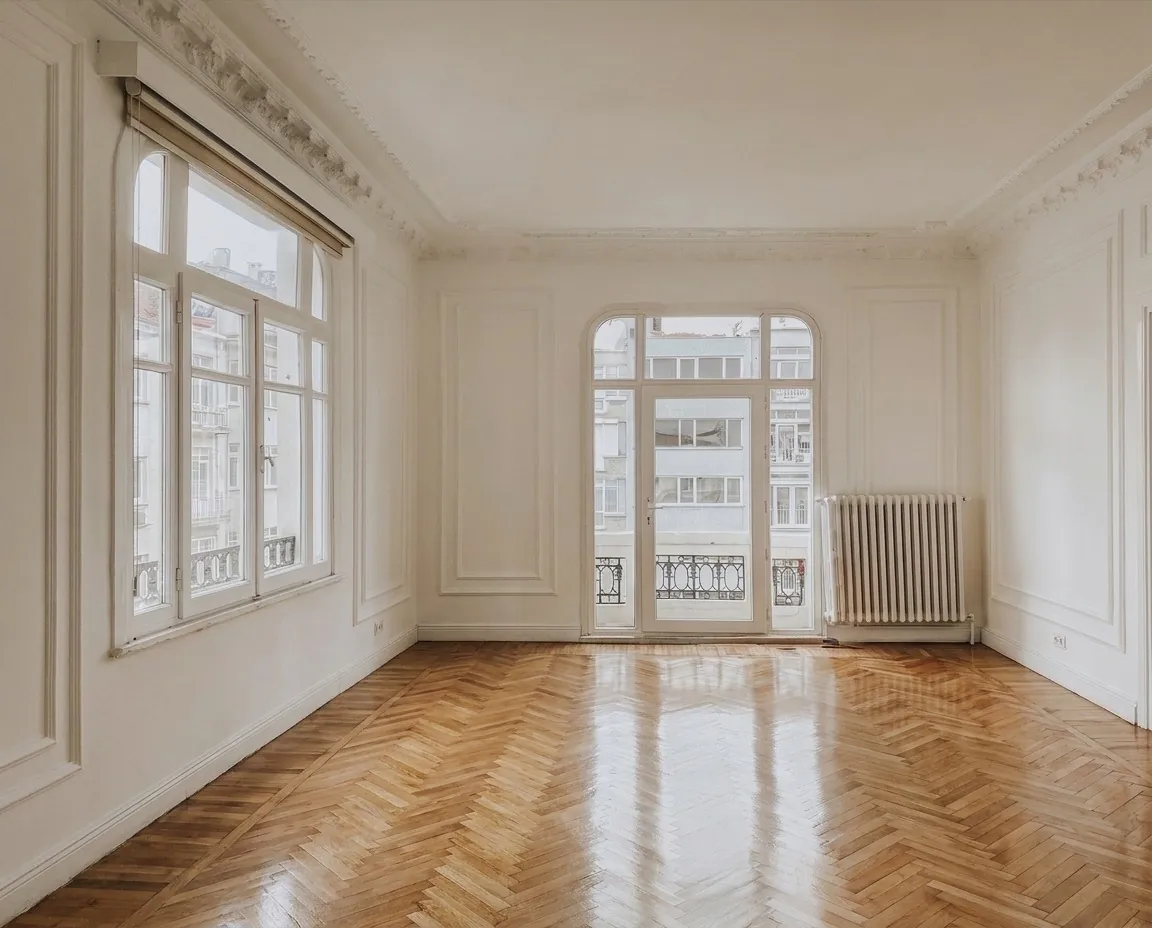
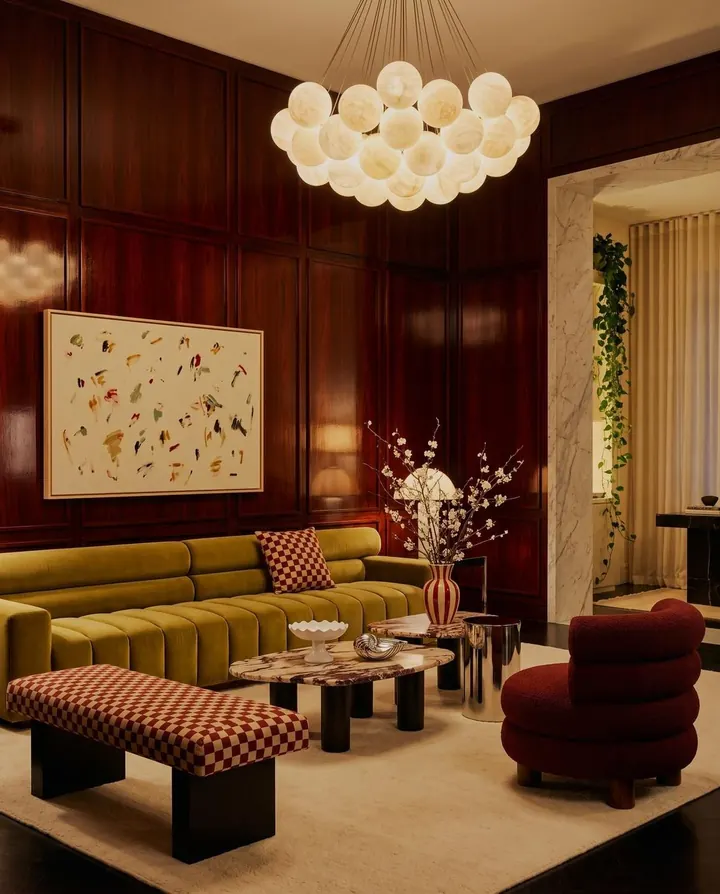
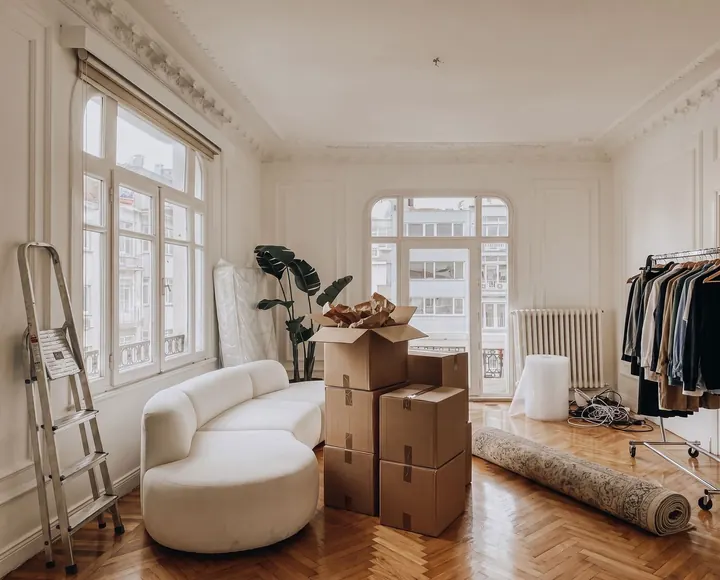
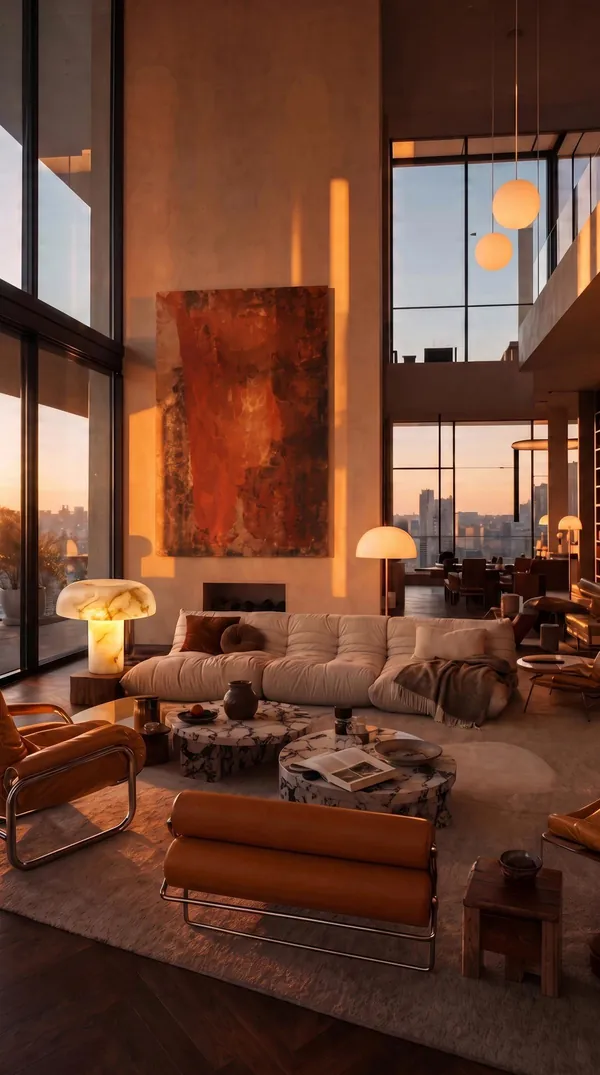
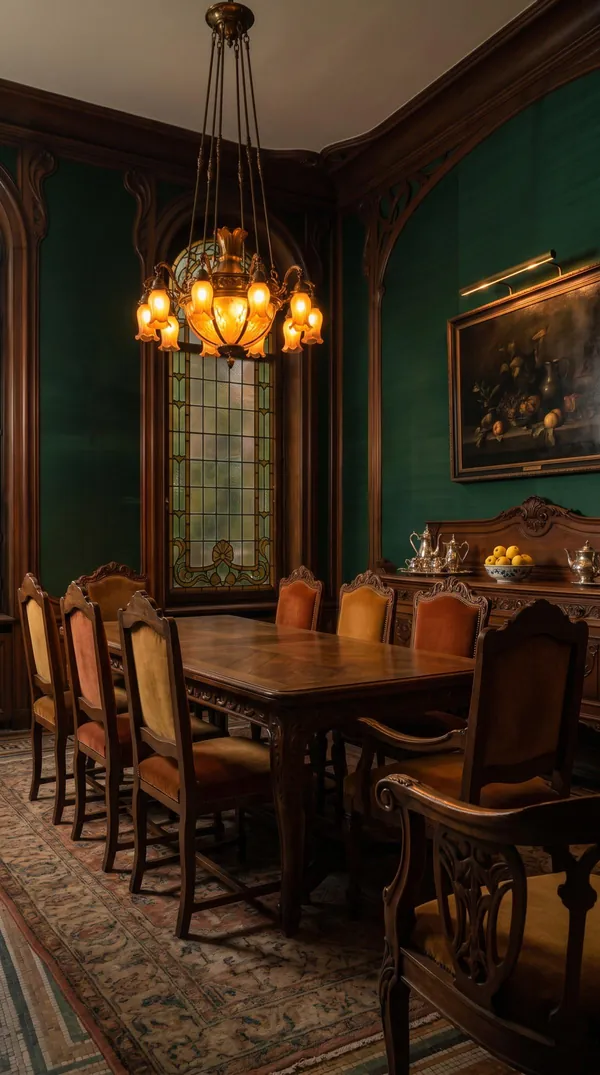
Hundreds of rooms, designed by Nava.
Shop a look, or try it on your room.
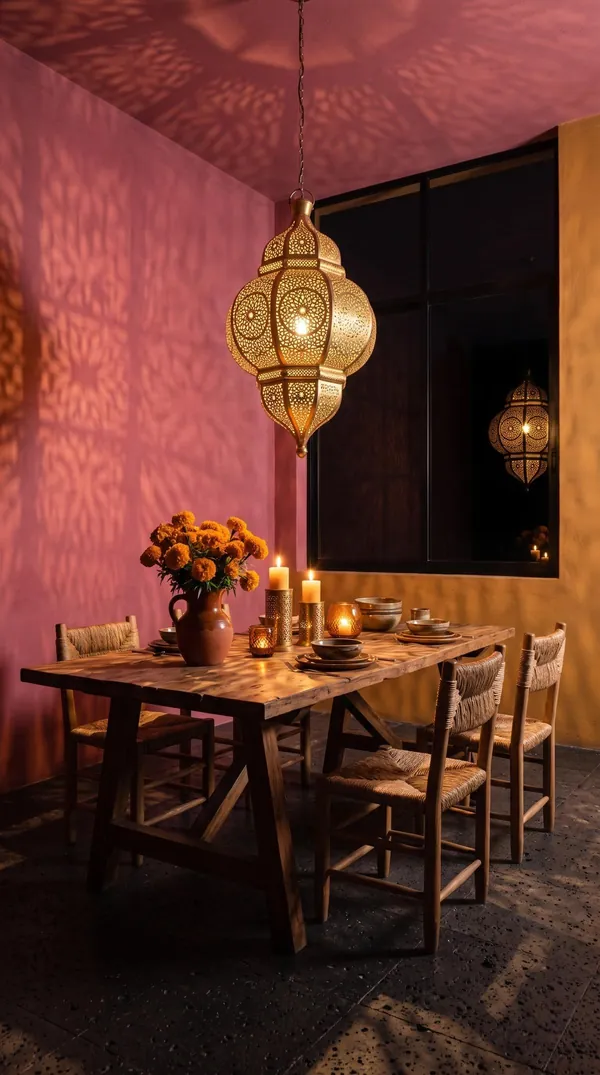
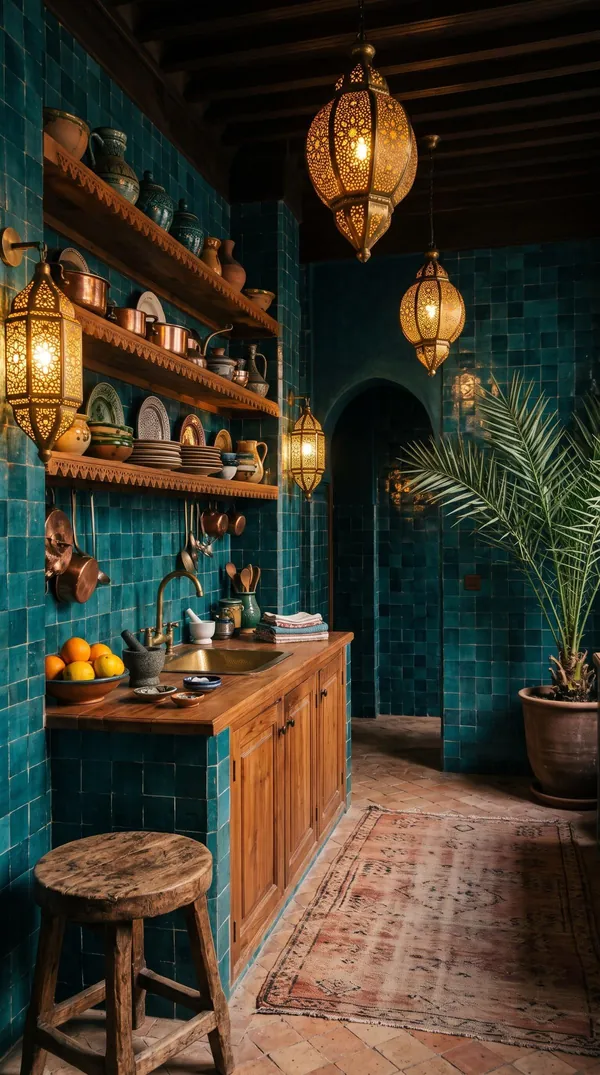
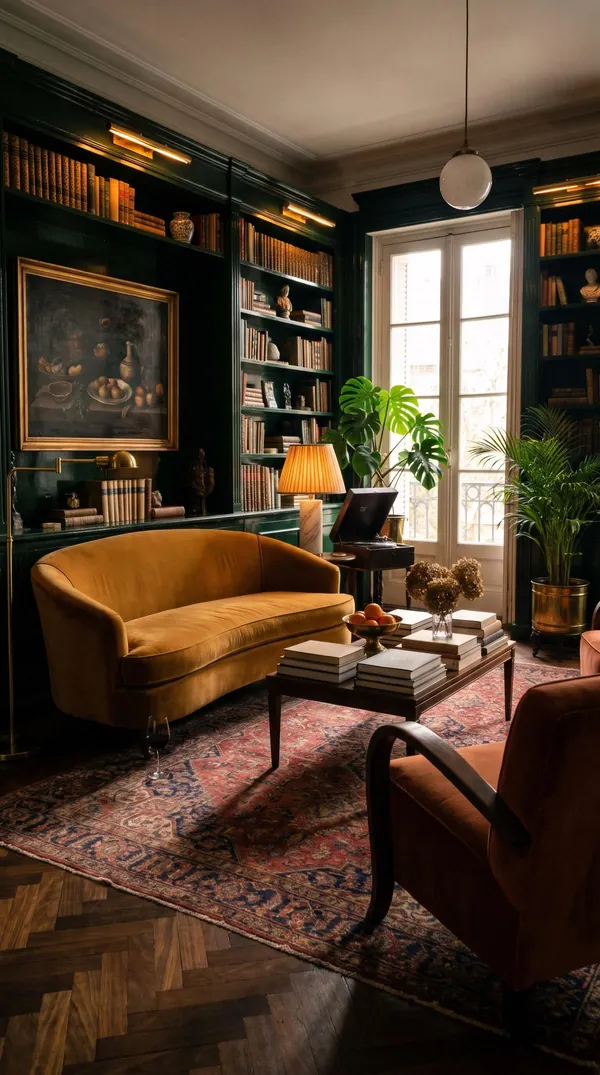
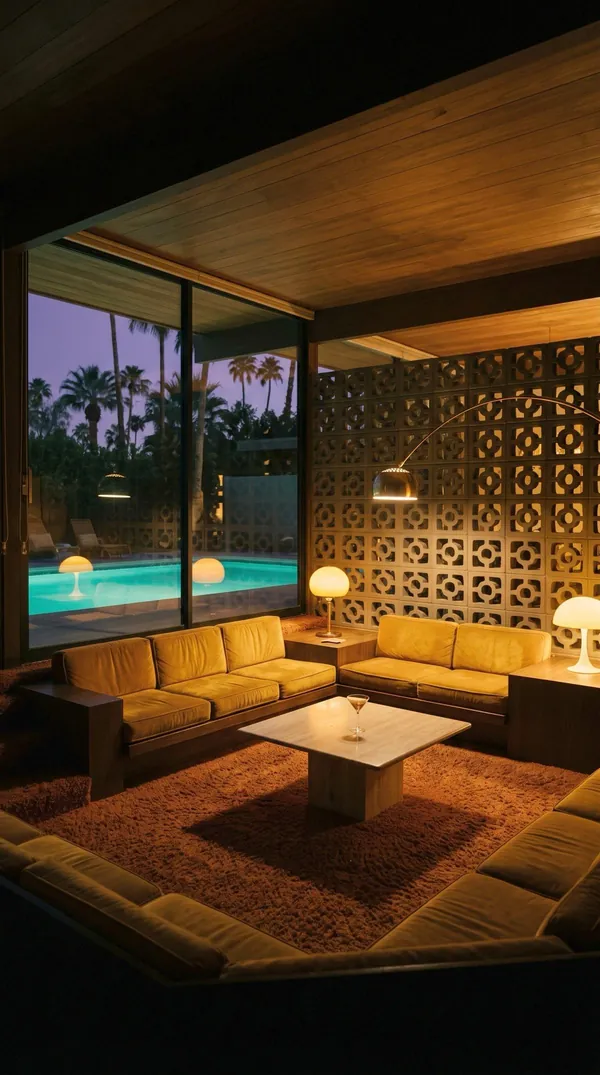
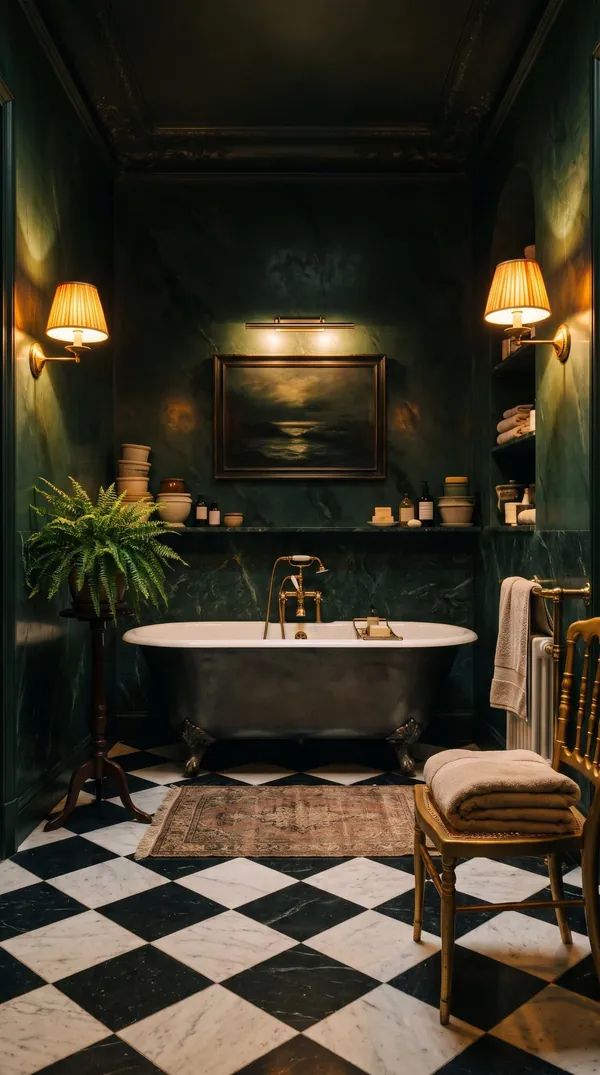
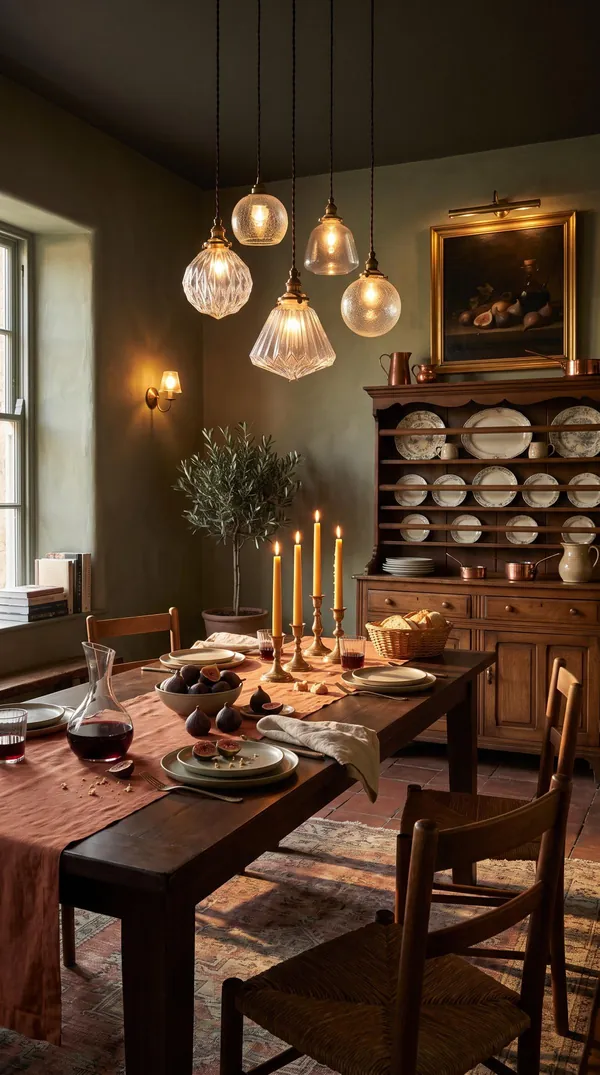
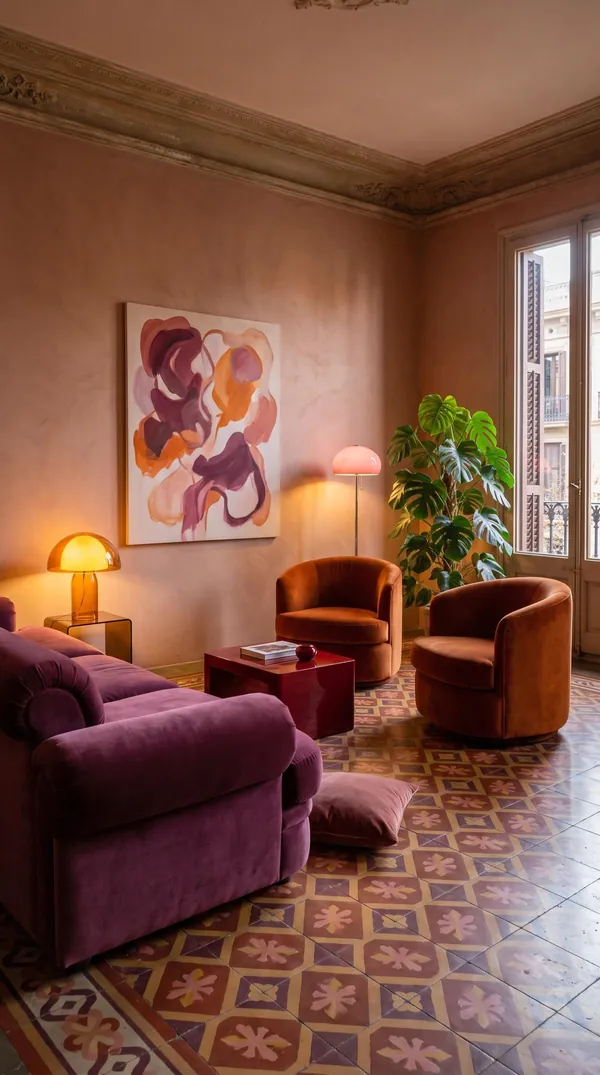
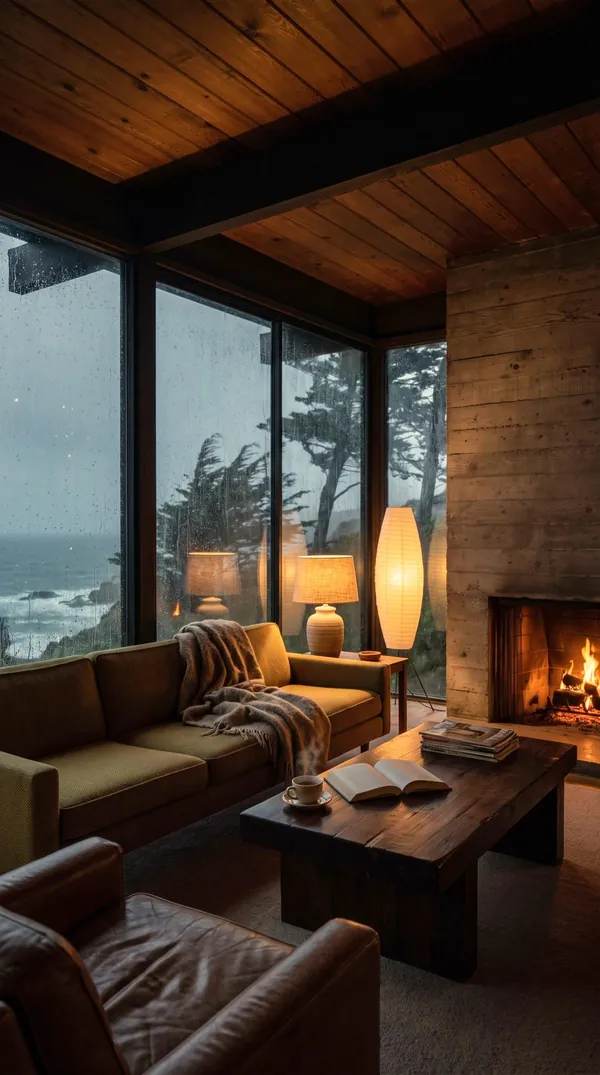
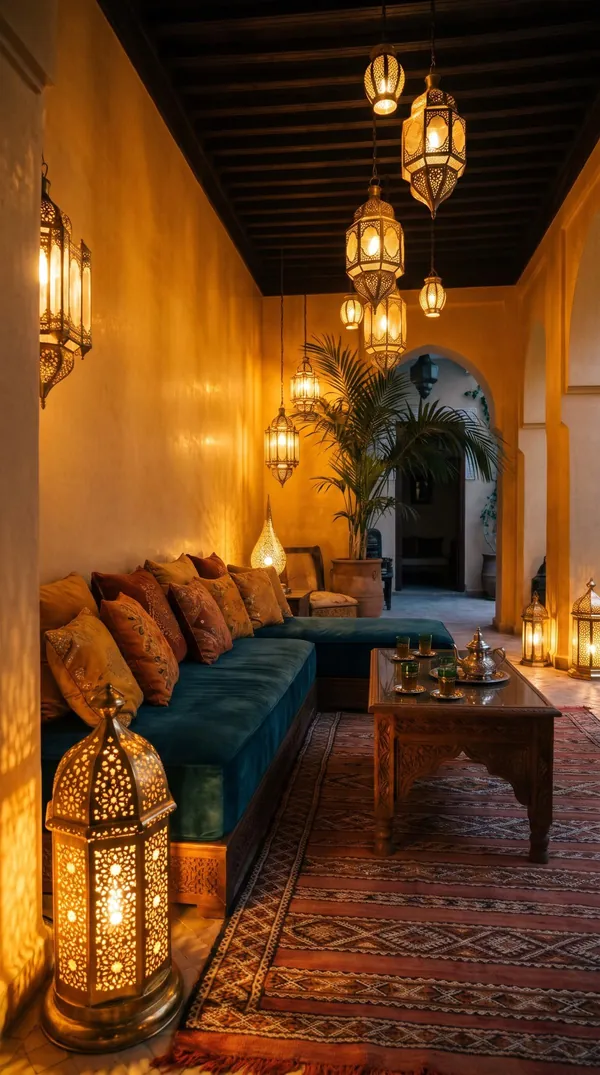
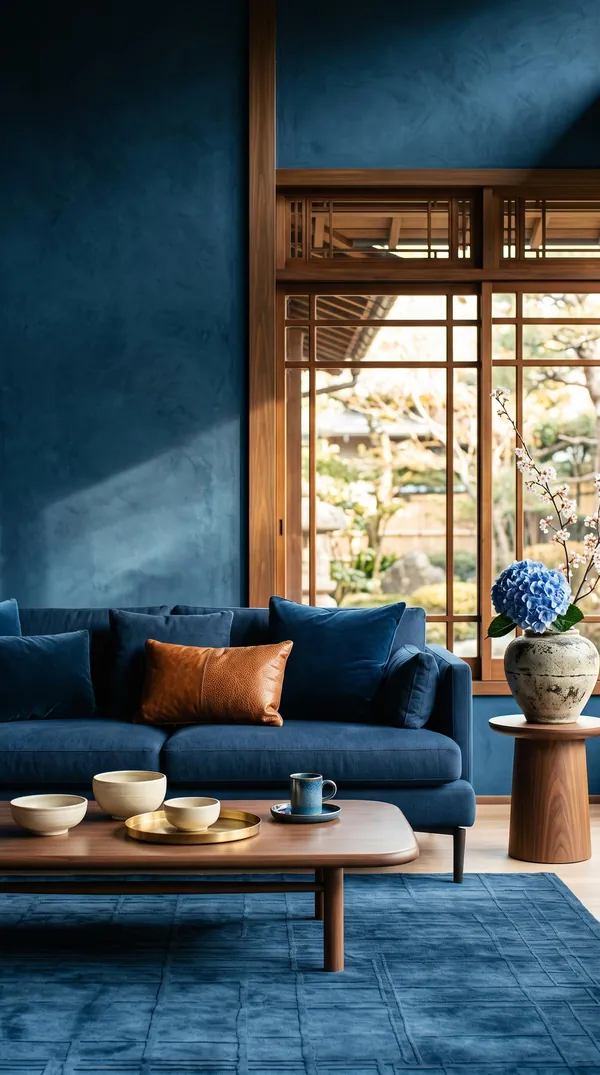
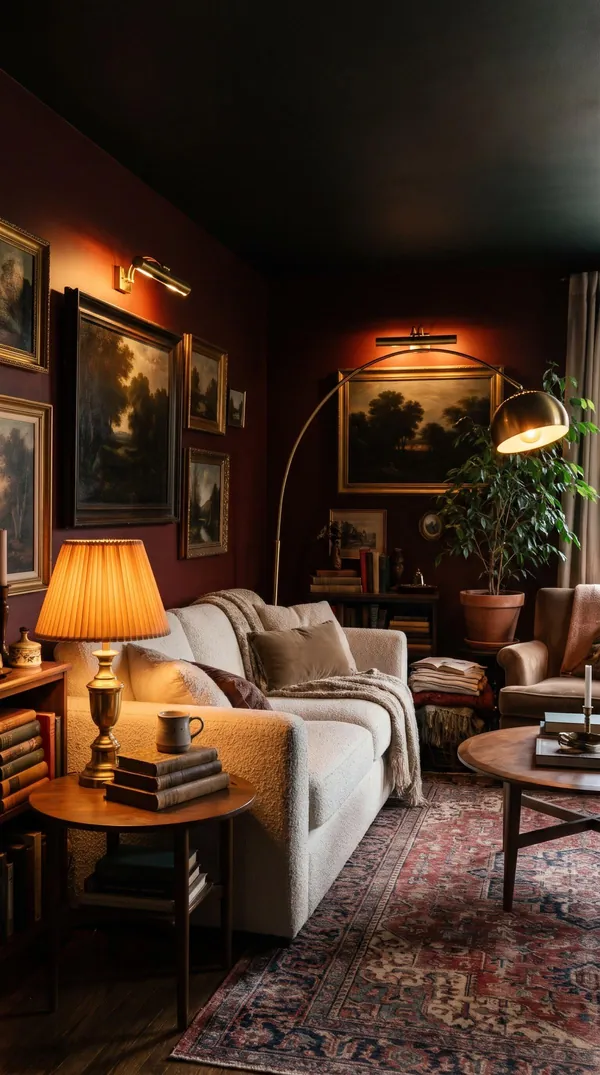
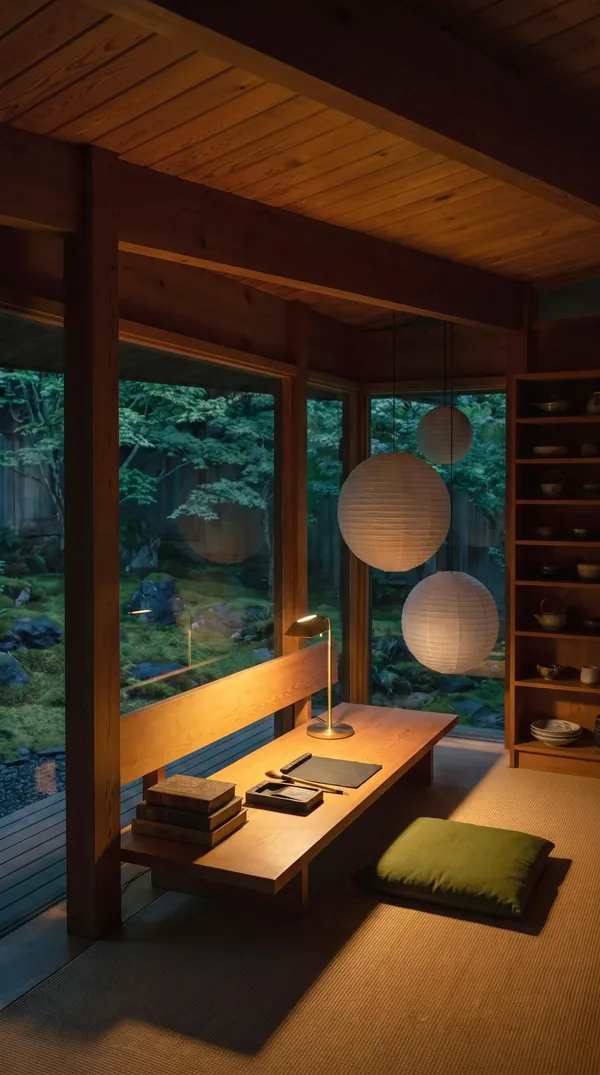
Join us on Instagram.
Rooms, light and colour. These are some of our most-watched reels.
Get started for free.
No account · no card · no trial to forget
Seven short answers
Will it change my walls or windows?
Only if you ask. Studio keeps the room you photographed, with its walls, windows and layout, and changes what you tell it to. There is a Walls tool for when you do want a new colour.
Are the lights real?
Yes. Every light Studio places is a Nava Decor piece with its price, and you can order it from the app.
What does it cost?
Getting started is free, with no account and no card. If you want to keep designing, you can add credits or Studio Pro in the app. There are no weekly plans and no trial that turns into a charge.
Do I need to measure anything?
No. One photo of the room is enough.
Is my room private?
Yes. Your photos and designs are never shown to other customers or the public unless you share one yourself.
Can I use it on a computer?
Soon. Studio is coming to the browser.
Is there an Android app?
Not yet. Nava Studio is on iPhone first.